

Anyone can switch a Google Business Profile to 'Closed,' edit its number or address. Localo catches and reverses such fake attempts, even when the owners are offline.
Start 14 days free🦾 Trusted with 44,000+ Google Business Profiles






Got that automatic Google email about changed business info? We handled it already.
Before, 'Closed' flags or a wrong number cost you customers searching for your business. But not anymore.
We reverse fake edits before Google publishes them, protecting the rankings, too.
Localo monitors GBPs and stops competitors from changing their business names, numbers, addresses, or marking them closed. It’s completely automated and works in the background.
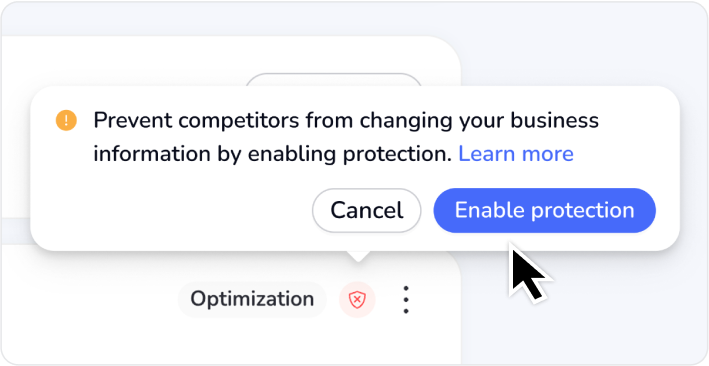
Click 'Enable protection' on the Business Profile from the dashboard, and the badge will turn green. Protection starts running in the background, guarding your details 24/7/365.
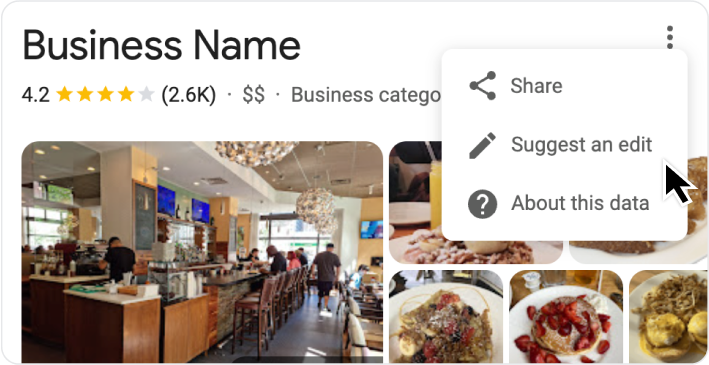
When someone edits your business information, Google sends you an automatic notification email about the change.
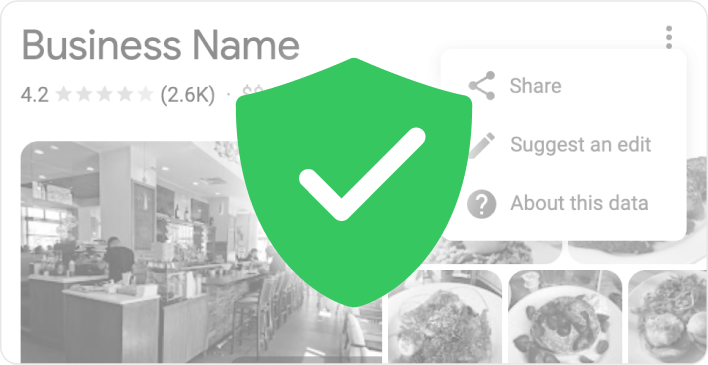
Our system catches the unauthorized change within 15 minutes and reverses it. The business stays safe while business owners focus on serving their customers.




Protection is just one part of our toolkit. See what else you can achieve when you put local SEO on autopilot.


Powered by Localo 2026